- Use a thin, pointed object to clean your device’s charging port gently. Then, try charging it again.
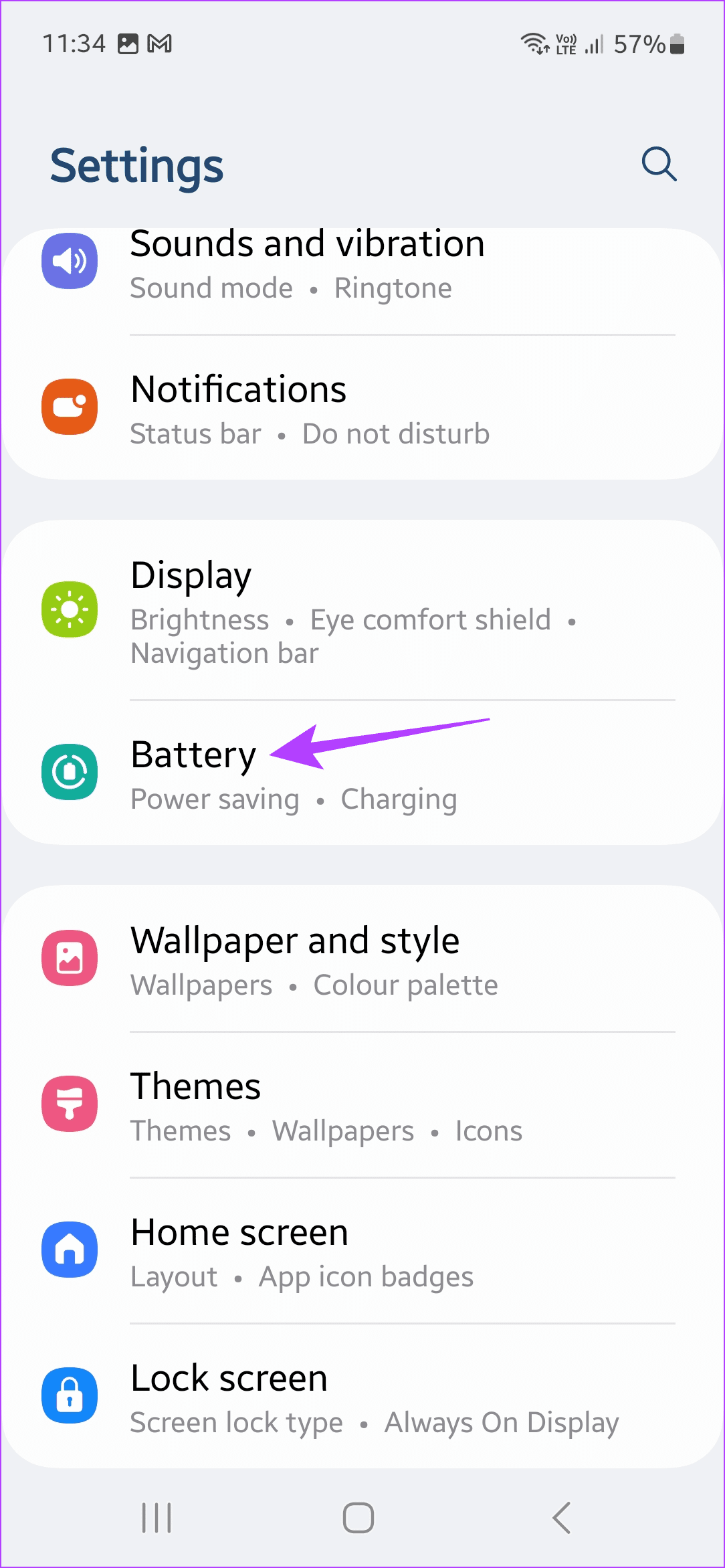
- Go to Settings and tap on Battery > turn off the Protect battery toggle.
- Charge your phone using a wireless charger if wired charging is still not working.
Basic Fixes:
- Wait for some time: After a heavy gaming session or a big update on your Samsung Galaxy phone, the device can heat up a little. When this happens, wait for some time and let your phone cool down. Then, try charging it again.
- Use a different charging cable and adapter: You can use a combination of different charging cables and adapter to charge your Samsung Galaxy phones. If it works, the issue lies with the charging cable or the adapter.
- Remove the case: Using an ill-fitting case may prevent the USB connector from properly connecting with the charging port. In this case, remove the case and try charging your Samsung Galaxy phone again.
- Restart the phone: Sometimes, a simple reboot can fix temporary bugs or glitches that prevent the phone from charging properly. So, restart your phone to eliminate temporary device glitches and try charging it again.
- Look for hardware damage: If you have accidentally dropped your Samsung phone, you must check the charging port to ensure it hasn’t suffered any damage. If it has, visit the nearest service center to get the port repaired.
Fix 1: Clean Charging Port
Samsung Galaxy phones can pick up debris and dust over time. In this case, check the charging port and clean it properly. Try cleaning the charging port by yourself or get help from a professional. Ensure you clean it gently and avoid scraping the sides. Otherwise, it might damage the charging port.
Fix 2: Disable Protect Battery Function
Samsung Galaxy phones have a battery protect feature that limits the charge to 85%. While this can help improve the lifespan of your device’s battery, it will stop your Samsung Galaxy phone from charging beyond 85%. To stop this, here’s how to turn this feature off.
Step 1: Open Settings and tap on Battery . Turn off the Protect battery toggle.
Fix 3: Try Wireless Charging
Samsung’s Galaxy flagship line-up comes with built-in wireless charging support. So, if standard charging isn’t working, you can use a wireless charger as a temporary solution. However, please note that charging speeds might be slightly slower than charging via the cable.
