Ethernet is the most reliable way to connect to the internet. While you can use Wi-Fi for a wire-free experience, ethernet offers better stability, and your browsing experience will be marred by fewer disconnections too. Check out our list for the best USB to ethernet adapters.
Uni Ethernet Adapter
- Connector: USB-A
- Ports: 1 x Ethernet
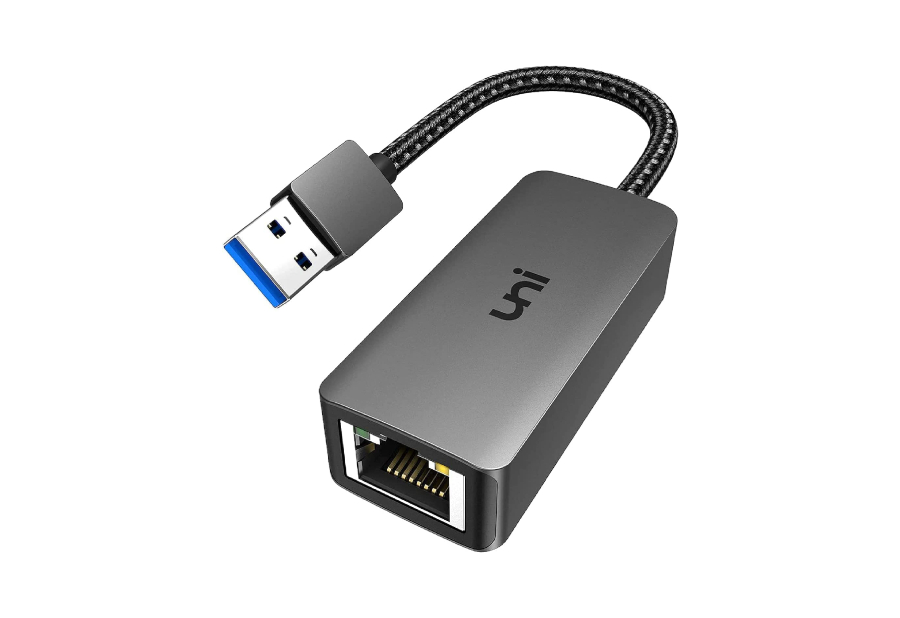
Uni Ethernet Adapter
View Price
The Uni Ethernet Internet Adapter is a simple USB-A 3.0 dongle with no bells and whistles. It’s a plug-and-play device that facilitates gigabit ethernet speeds. Since USB 3.0 devices are backward compatible, you can even use the Uni dongle with older laptops that have USB 2.0 ports.
Despite being affordable, the Uni ethernet dongle for laptops has a braided cable making it durable. There’s even an LED indicator to tell you the connection status, which is great. However, its biggest draw is its affordable price tag.
What We Like
- LED indicator
- Affordable price tag
What We Don’t Like
- Limited functionality
Ablewe RJ45 Adapter With USB Hub
- Connector: USB-A
- Ports: 1 x Ethernet, 3 x USB-A
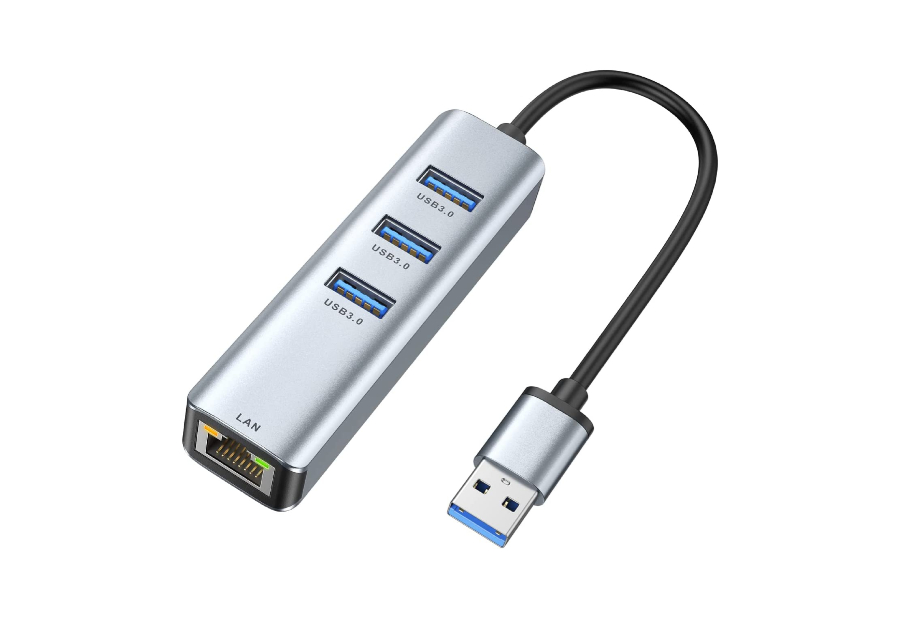
Ablewe RJ45 Adapter With USB Hub
View Price
The Ablewe adapter uses a USB-A 3.0 connector and is compatible with both Mac and Windows. You get three USB-A ports for good connectivity. So, if your laptop has limited USB-A ports and the dongle itself occupies one port, you should consider getting the Ablewe adapter.
Thanks to this, you can connect flash drives, external hard disks, and numerous peripherals to the USB hub. It’s durable, especially for the price. Plus, it performs well and delivers stable internet speeds.
What We Like
- Good user reviews
- 3 USB-A 3.0 connectors
What We Don’t Like
- Simple design
Anker PowerExpand Gigabit Adapter
- Connector: USB-C
- Ports: 1 x Ethernet
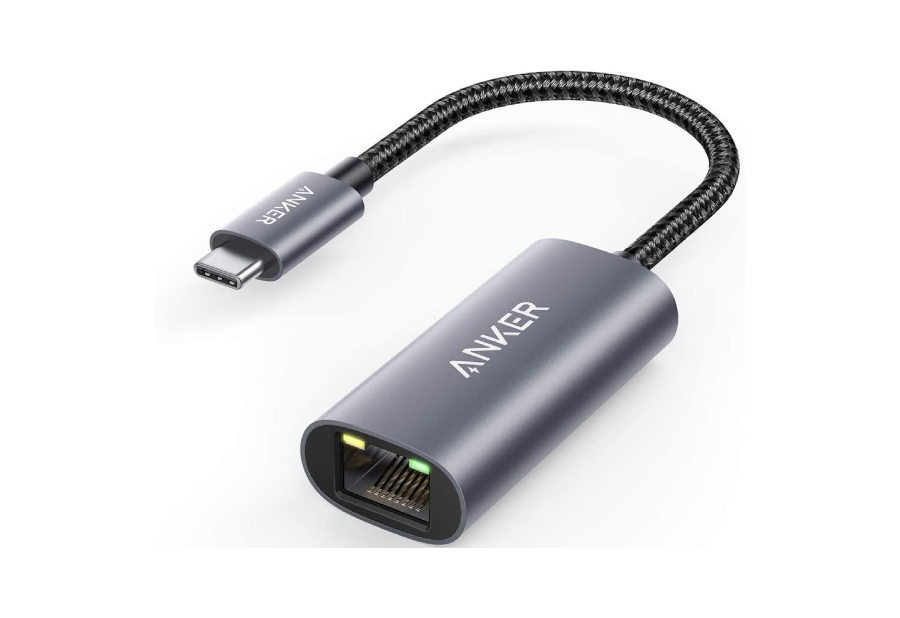
Anker PowerExpand Gigabit Adapter
View Price
Anker uses high-quality materials for its laptop and smartphone accessories, and the company’s PowerExpand adapter is no different. It has a metallic exterior and uses a braided cable with a USB-C end.
For those wondering, a USB-C ethernet dongle will be able to facilitate the same gigabit internet speeds as USB-A adapters. The good thing is that this Anker adapter is that the ethernet cable locks into place when plugged in. As such, you won’t dislodge the cable if you accidentally tug on it.
What We Like
- Secure fit when plugged in
- Metallic exterior
What We Don’t Like
- N/A
UGREEN Multiport USB dongle
- Connector: USB-C
- Ports: 1 x Ethernet, 3 x USB-C
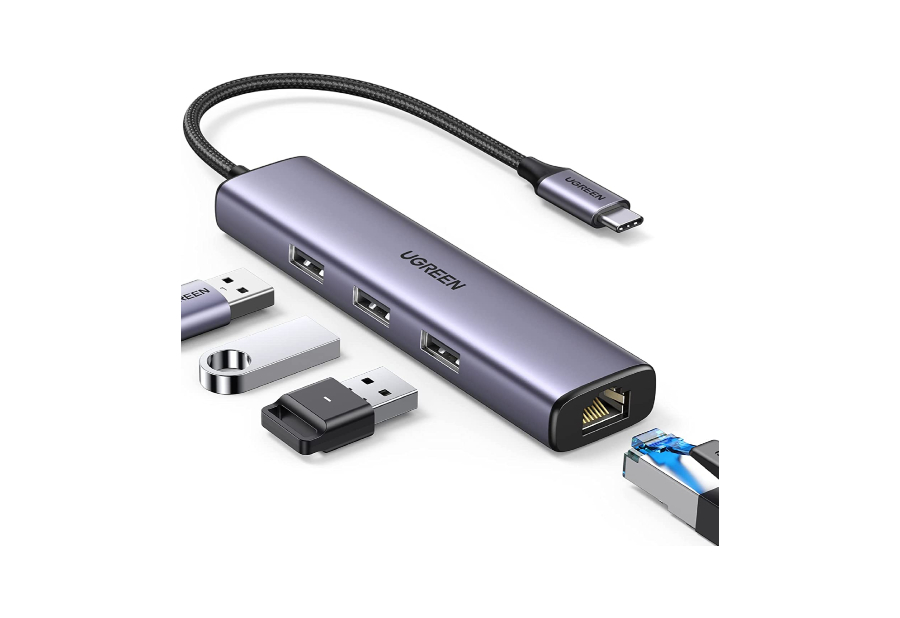
UGREEN Multiport USB dongle
View Price
UGREEN’s USB-C hub is an exact replica of the Ablewe dongle, but the difference is that it comes with a USB-C connector. While the connector might be USB-C, the additional ports that you get are still USB-A.
We wish UGREEN also included one USB-C port along with the USB-A ports on the adapter. This would have provided users with the option to connect modern accessories like SSDs or even charging cables. However, you can still use the USB-A ports to connect mouse/keyboard dongles, flash drives, etc.
What We Like
- Multiple USB-A ports
- Good design
What We Don’t Like
- Only one USB-C port
Ablewe 8-in-1 Hub
- Connector: USB-C
- Ports: 1 x Ethernet, 3 x USB-A, 1 x HDMI, 1 x USB-C, 1 x microSD, 1 x SD Card
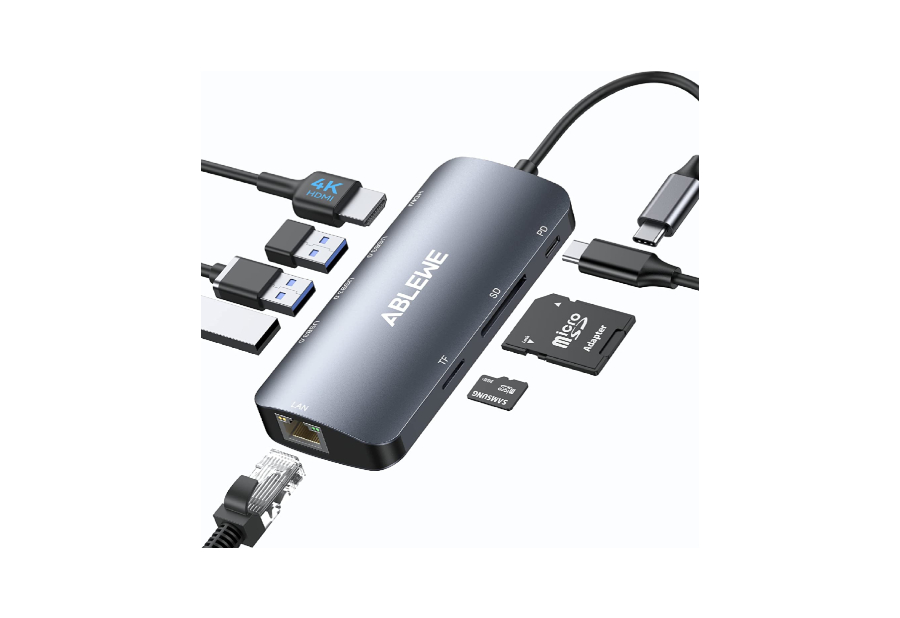
Ablewe 8-in-1 USB-C Hub
View Price
If you’re looking for an ethernet adapter that can also double up as an all-encompassing USB hub, then you’ll find plenty to like about the Ablewe 8-in-1 USB-C hub. To that end, it offers a host of additional I/O for your computer.
Thanks to its design, it has a gigabit ethernet port and an array of other connectors. It’s also surprisingly inexpensive for what it offers. That said, it does get hot to the touch after prolonged usage, but if you ask us, that’s the case with most adapters.
What We Like
- Gigabit port
- An array of additional connectors
What We Don’t Like
- N/A
Belkin Ethernet + Charge Adapter
- Connector: USB-C
- Ports: 1 x Ethernet, 1 x USB-C
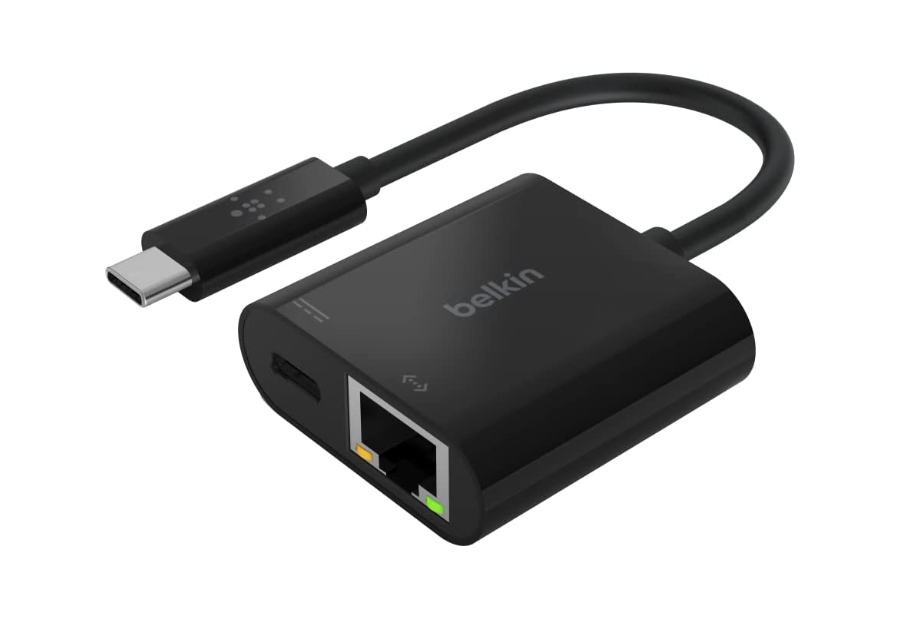
Belkin Ethernet + Charge Adapter
View Price
Belkin’s accessories generally play well with Apple products. This makes the Belkin dongle one of the best USB-C to ethernet adapters for MacBooks. It also gets a pass-through USB-C port, which is great.
Here, Power Delivery is limited to 60W. So if you have a MacBook Pro 16, you won’t be able to charge it at the max speed. Another thing to note is that Belkin’s LAN adapter is somewhat expensive for what it offers. Nevertheless, you’re paying for the reliability and the ability to charge your Mac using the dongle’s USB-C port.
What We Like
- Power Delivery support
- Compatibility with MacBooks
What We Don’t Like
- Slightly expensive
Plugable Dual Ethernet Adapter
- Connector: USB-C, USB-A
- Ports: 1 x Ethernet
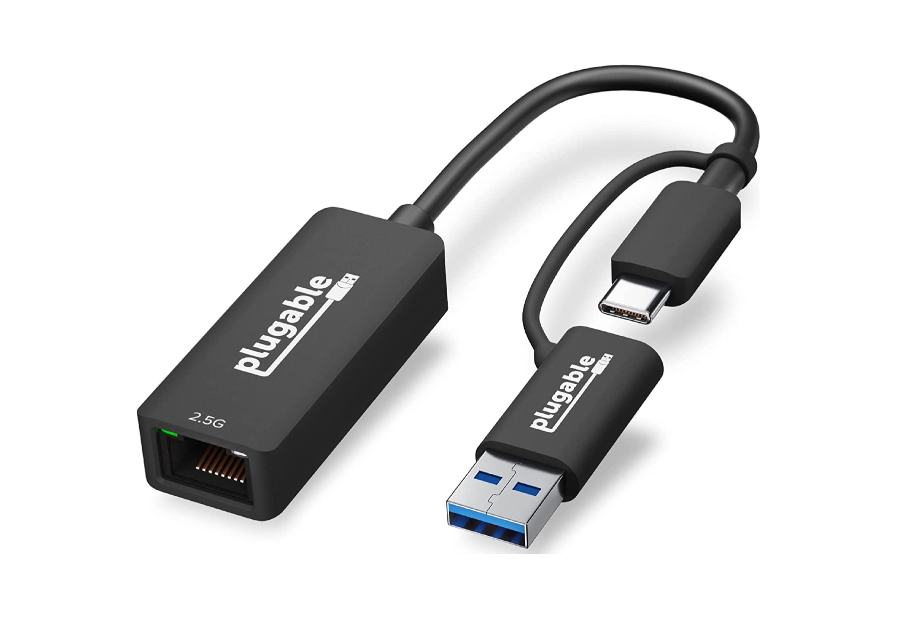
Plugable Dual Ethernet Adapter
View Price
The Plugable ethernet adapter is an ideal fit for anyone who oscillates between different devices. If some of your computers have USB-A ports and some have USB-C, it’s best to get Plugable’s dongle.
Plugable’s dongle is compliant with a host of devices and also promises you speeds of up to 2.5Gbps which is more than twice the standard 1Gbps connection. This makes it the fastest adapter for gaming and streaming on the list.
What We Like
- Promises fast speeds of 2.5Gbps
- Good adapter for gaming
What We Don’t Like
- Expensive
Choosing between a Wi-Fi or ethernet connection depends totally on your use case. While an ethernet connection is stable, Wi-Fi is synonymous with convenience as it doesn’t require you to be tethered at all times. So, pick one based on your requirements.
The answer to this completely boils down to your personal requirement. A simple ethernet adapter is cost-effective in comparison to a hub. However, hubs – despite being on the pricier side – let you leverage SD card slots or USB ports along with providing an ethernet slot.
All the adapters mentioned above are rated for gigabit internet speeds.
