- In our real-world test, Instagram consumes around 500 MB of data in one hour of uninterrupted usage.
- To save data, go to Instagram Settings > Media Quality and use the relevant options.
- You can also enable Low Data Mode or the Data Saver mode on your smartphone.
How Much Data Does Instagram Use
We cleared the data usage history on our iPhone and started using Instagram on mobile data. To begin with, the data usage was at 0 MB but at the end of five minutes, here’s how it looked :
- My five minutes of usage consisted of watching a good amount of reels (hence, an estimate of an upper limit) along with a few posts and a bunch of stories. At the end of it, Instagram consumed around 32 MB of data.
- When extrapolated, it means 64 MB for ten minutes and nearly 400 MB for an hour .
- However, the numbers could vary depending on your usage, but we’d say be prepared to lose around 500 MB of mobile data if you use Instagram for an hour on mobile data.
That seems like a lot, doesn’t it?
3 Easy Ways to Reduce Data Usage on Instagram
Method 1: Use Instagram Data Saver
Instagram has a built-in data saver option in the settings menu. Go to Settings > Media Quality and enable Use Less Mobile Data , disable Upload at Highest Quality, and turn on Disable HDR Playback .

Method 2: Enable Low Data Mode on Your Device
Both iPhone and Android devices have an inbuilt data saver mode to reduce mobile data usage among apps. Let us see how to enable the same. However, do note that these settings will apply to all applications and not just Instagram.
Enable Low Data Mode on iPhone
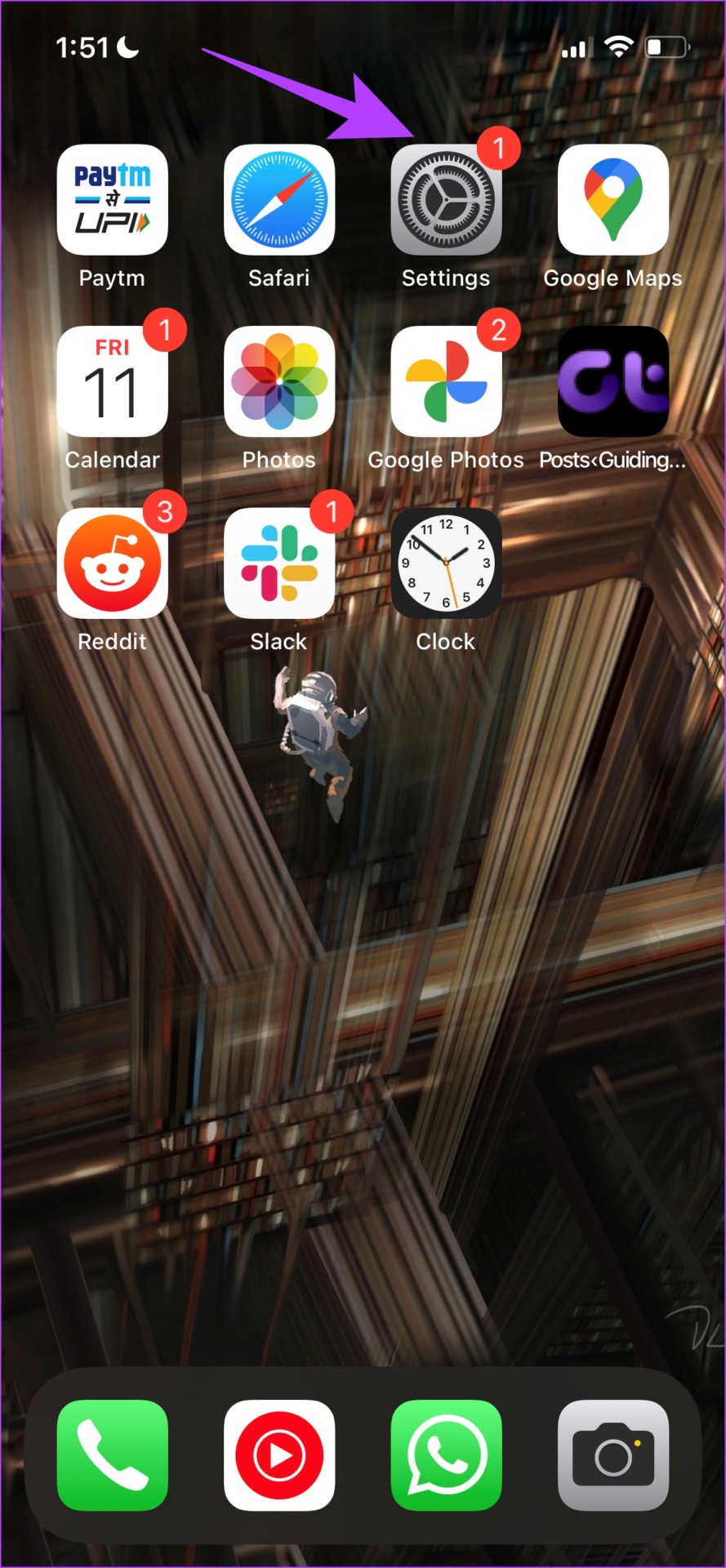
Open Settings > Mobile Data and turn on Low Data Mode .
Enable Data Saver on Android
Note : We have used a OnePlus device to demonstrate the instructions. However, they will remain similar for other Android devices as well.
Open Settings > Mobile network > Data usage and turn on Data Saving .

Method 3: Use Instagram Lite on Android
Instagram has an app called Instagram Lite on the Google Play store. It is a toned-down version of the Instagram app and is supposed to help you use Instagram with minimal data usage. However, it is only available on Google Play Store and not on Apple’s app store.
