Sometimes, we find a comment funny and want to share it with everyone on Instagram stories, but there has only recently been a dedicated option. With this guide, we will show you all the possible ways to do it and how to get the feature for your account.
The ability to highlight post replies in Instagram stories is available for the smartphone app. Here’s how you can do it:
Step 2: Tap and hold the comment you want to share.
Step 3: Now, tap the Story icon (Plus button inside the circle).
Step 4: Make necessary changes and tap on Your story at the bottom.

If your account still doesn’t have the option to share replies on Instagram stories, we still have a workaround. Take a screenshot and post it on your Instagram story. Ensure to crop the picture to make it look like the default feature. Here’s how to take screenshots:
On iPhone
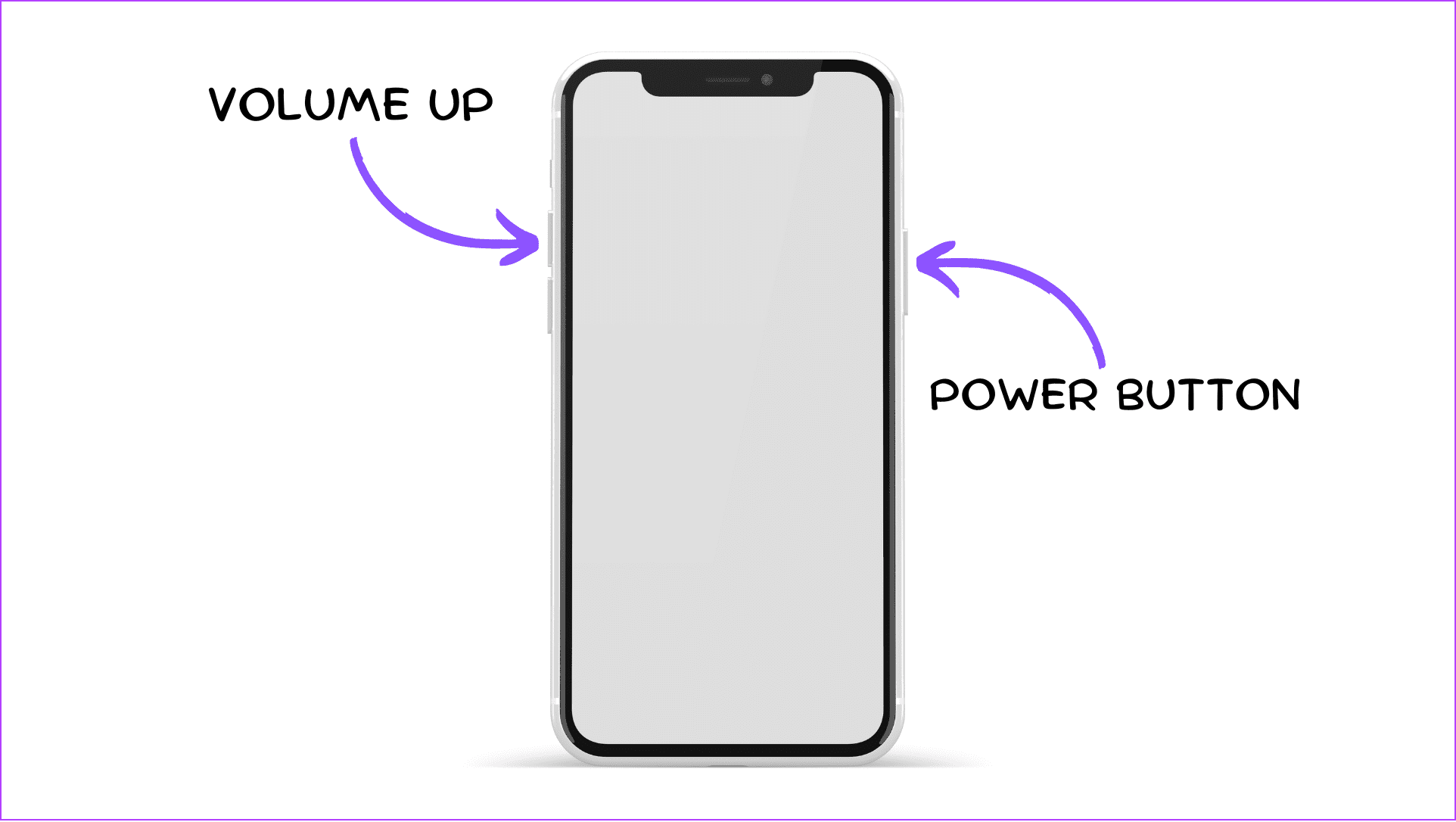
- For iPhones with FaceID : Press and hold the side button + volume up button together until you hear the shutter sound or a screenshot thumbnail appears on your screen.
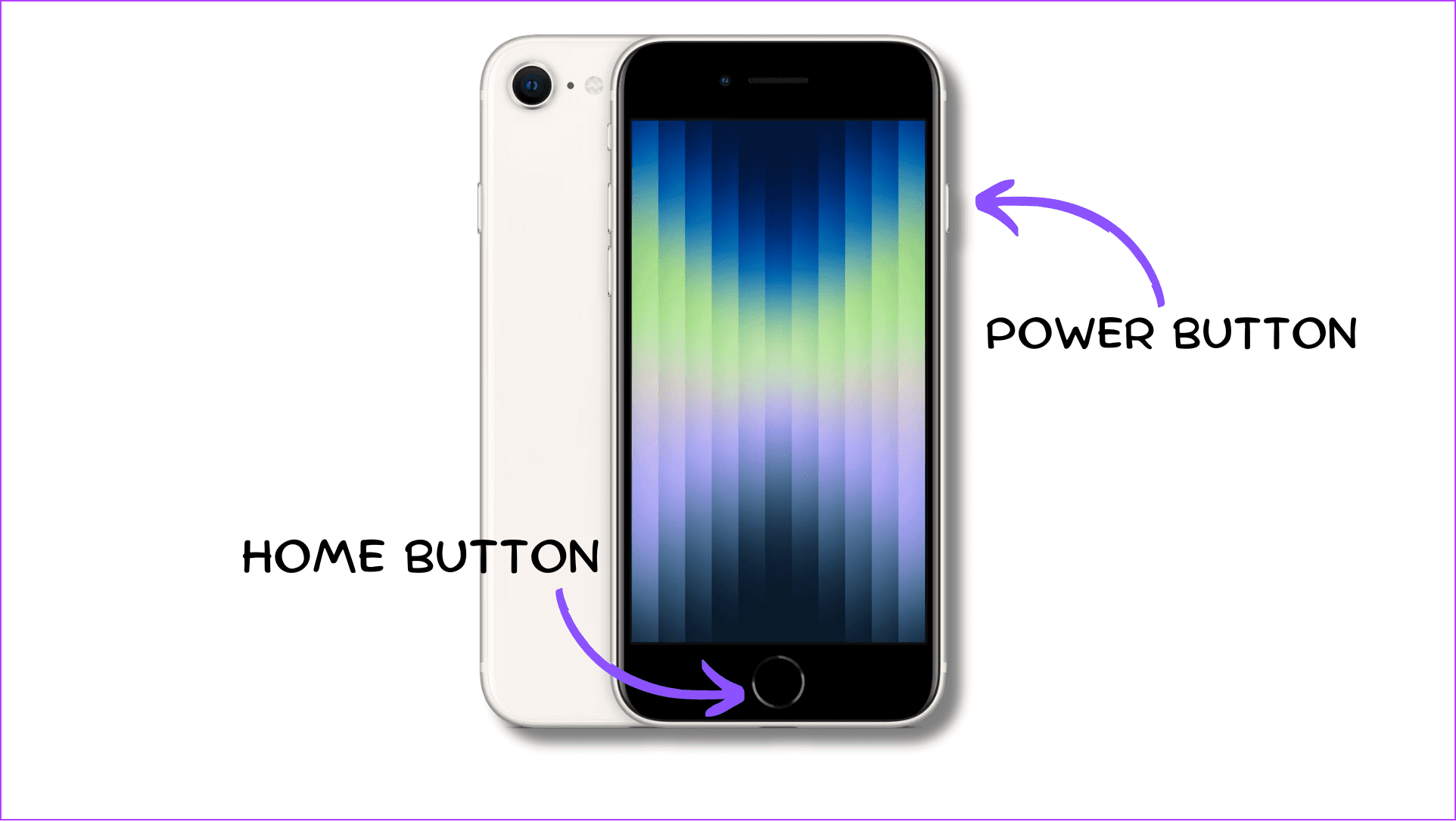
- For iPhones with TouchID (Home button) : Press the side and home buttons simultaneously until you hear the shutter sound or a screenshot thumbnail appears on your screen.
On Android
Usually, you can press and hold the Power + Volume down button simultaneously until you see the screenshot preview on Android. However, depending on your Android smartphone, you can also take screenshots by swiping on your screen from top to bottom using three fingers. While this feature is enabled by default for most, you can always turn it on from Settings.
1. Update Instagram to the Latest Version
As you can assume, the ability to highlight post replies in Instagram stories is a relatively new feature. Hence, you must update the app to the latest version. Check and update your Instagram app using the respective link below:
Update Instagram for Android
Update Instagram for iOS
For Android users, you can also try to join the Instagram beta to experience some other upcoming features before the stable Instagram app. Note that you might face some bugs in the beta version.
2. Check the Internet Connection
Check internet speed
If there is an issue with your internet connection, restart your router and mode, or contact your ISP and ask for a better plan.
3. Check if Instagram Is Down
You might be unable to use the Share replies on the Instagram stories feature because of server errors on Instagram. You can check if Instagram is down using the link below:
Check if Instagram is down
4. Check if the Feature Is Available for Alt Account
Step 1: Open Instagram to tap and hold your profile picture.
Step 2: From here, choose the alternative ID you want to switch to.
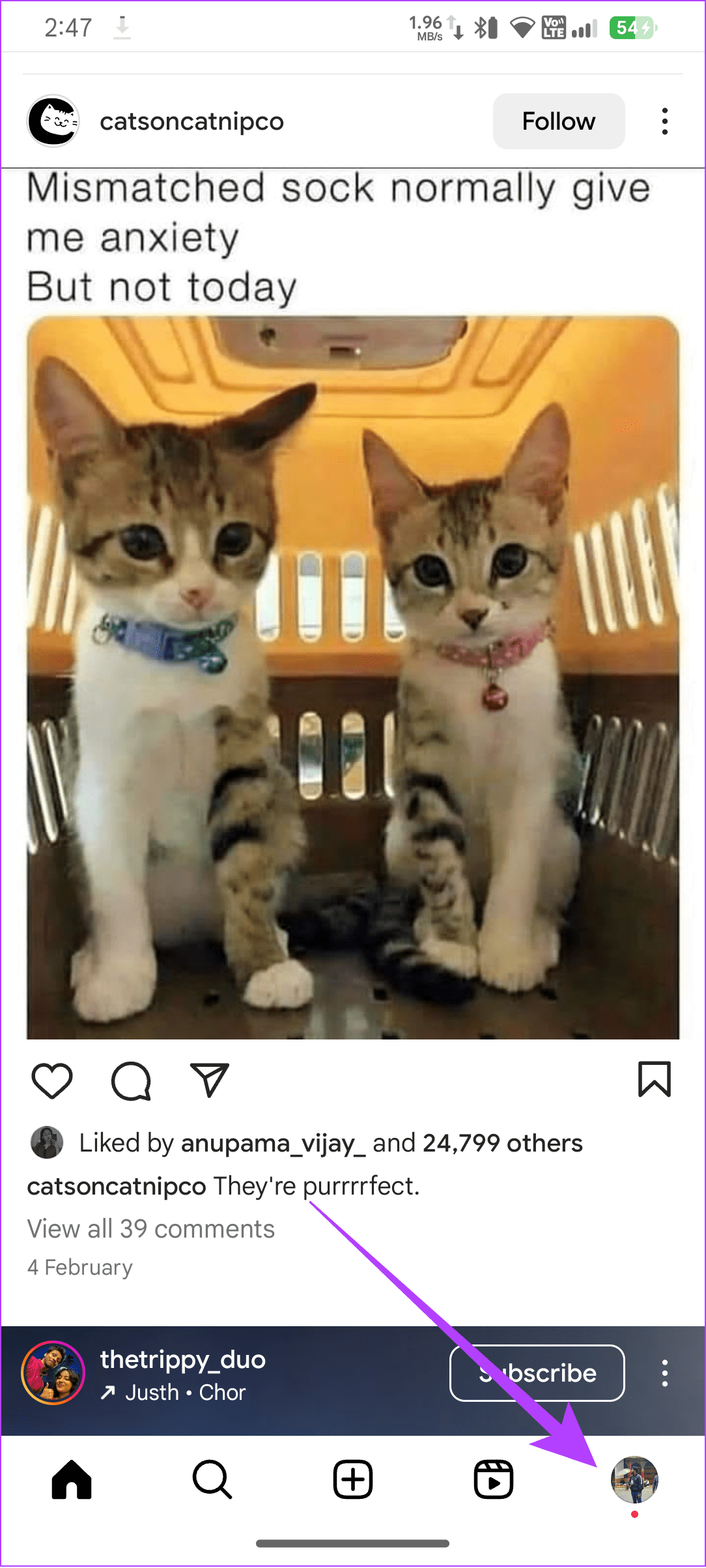
Once you switch your account, follow the steps above to highlight post replies in your Instagram story.
Yes. You can reply to Instagram stories, but they won’t be visible to the receiver.
As of writing this guide, you can’t add custom moving texts to Instagram Stories. However, you can still use Stickers and GIFs to add moving texts to your stories.
